Advantages of Sheet-to-Doc Over Word Mail Merge
Sheet-to-Doc is a powerful document generation tool that can use Excel/WPS, JSON, JSONL as data sources, write to Word templates, and generate large numbers of professional documents in bulk. Compared to traditional Word mail merge, it offers more advanced features and more flexible usage methods. This article will detail the advantages of Sheet-to-Doc over Word mail merge.
- Visit the official website: https://s.wtsolutions.cn/sheet-to-doc.html
- View detailed documentation: https://sheet-to-doc.wtsolutions.cn/en/latest/
1. Support for Multiple Data Source Formats
Word mail merge mainly supports Excel spreadsheets and Access databases, while Sheet-to-Doc supports a wider range of data formats:
- Excel/Tab separated data
- CSV data
- JSON data
- JSONL data
This flexibility allows Sheet-to-Doc to easily handle data from different systems without complex data format conversion.
2. Flexible Document Generation Modes
Sheet-to-Doc provides two document generation modes to meet different usage needs:
Mode 1: Generate Separate Document for Each Row
- Each data row generates an independent Word document
- Suitable for generating batch personalized documents, such as contracts, certificates, reports, etc.
- Browser automatically handles multi-file downloads
- Recommended for all new users
Mode 2: Generate Single Document for All Data
- All data merged into one Word document
- Repeatedly generates content within the document based on the template
- Suitable for generating directories, summary reports, etc.
- Easy for unified management and distribution
In contrast, Word mail merge is mainly used to generate a single document or batch similar documents, but lacks this flexible mode selection.
3. Powerful Custom Filename Feature
Sheet-to-Doc provides flexible custom filename functionality, allowing you to automatically generate meaningful filenames based on data content:
- Default Filename: System automatically generates filenames with line numbers and timestamps
- Custom Filename: Supports setting prefix, middle content (from data columns), and suffix
- Real-time Preview: Uses first row data to preview generated filenames in real-time
- Multiple Naming Combinations: Can be named based on multiple data fields like name, ID, date, etc.
For example, you can set the filename as Employee_{Name}_Profile.docx, and the system will automatically replace it with Employee_John_Profile.docx, Employee_Jane_Profile.docx, etc.
In contrast, filenames generated by Word mail merge are usually relatively fixed and require manual renaming or macros to achieve custom naming, which is complicated and error-prone.
4. More User-Friendly Interface and Operation Process
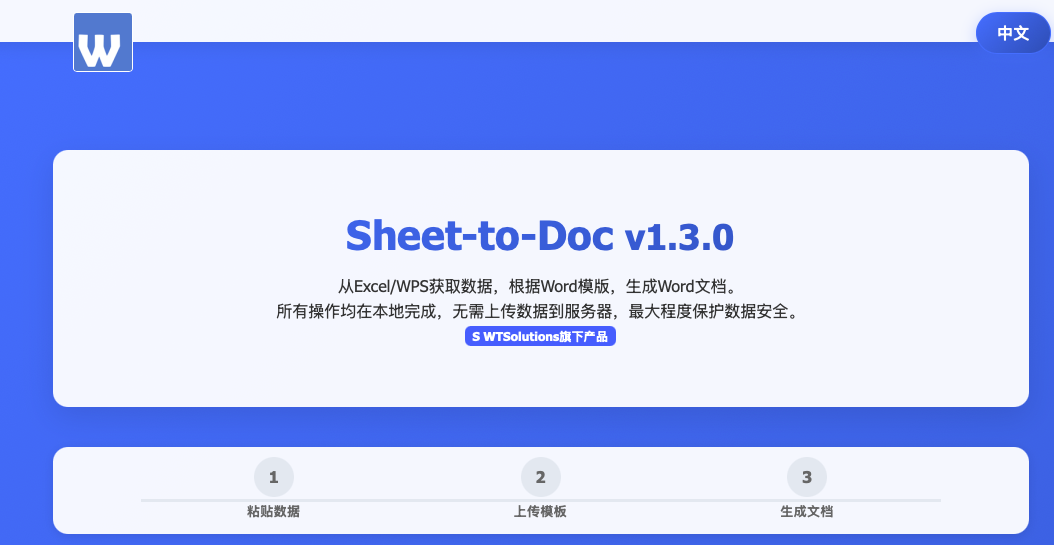
Sheet-to-Doc adopts an intuitive three-step operation process:
- Paste Data: Directly copy data from Excel/CSV/JSON
- Upload Template: Upload Word template containing placeholders
- Generate Documents: Select generation mode and filename settings, click generate
The entire process requires no complex settings or configuration, even new users can quickly get started. In contrast, Word mail merge requires:
- Open Word and create a template
- Connect to data source
- Set up mail merge fields
- Configure merge options
- Execute merge operation
The steps are cumbersome, the learning curve is steep, and it’s easy to make mistakes in some links.
5. Better Cross-Platform Compatibility
Sheet-to-Doc is developed based on web technology and supports all modern browsers:
- Chrome
- Firefox
- Edge
- Safari
This means you can use the same functionality on different operating systems (Windows, Mac, Linux) without worrying about software version compatibility issues.
In contrast, Word mail merge relies on Microsoft Word software, and its functionality may vary across different Word versions, and it cannot be used on devices without Word installed.
6. Continuous Updates and Feature Expansion
As an online tool, Sheet-to-Doc can be continuously updated and expanded with features. For example, the latest version already supports:
- JSON and JSONL data sources
- More flexible custom filenames
- Optimized user interface
In contrast, Word mail merge features are relatively fixed, with long update cycles and slow addition of new features.
7. Lower Usage Threshold
Using Sheet-to-Doc requires no:
- Installation of Microsoft Office software
- Learning complex mail merge operations
- Writing macros or scripts
Only a modern browser is needed to complete complex document generation tasks. This is a huge advantage for users who don’t have Office software installed or are not familiar with mail merge operations.
Summary
Sheet-to-Doc is superior to traditional Word mail merge in terms of security, flexibility, and ease of use. It not only retains the core functions of mail merge but also provides more advanced features, able to meet the diverse needs of modern document generation.
Whether for enterprise users or individual users, Sheet-to-Doc can help you generate professional documents more efficiently and securely, making it an ideal alternative to Word mail merge.
How to Use Sheet-to-Doc
You can access and use Sheet-to-Doc through the following methods:
- Visit the official website: https://s.wtsolutions.cn/sheet-to-doc.html
- View detailed documentation: https://sheet-to-doc.wtsolutions.cn/en/latest/
- Watch usage demonstration videos to understand the complete operation process
With its powerful features and friendly user experience, Sheet-to-Doc is changing the traditional document generation method, providing users with more efficient and secure document generation solutions.